Built with React
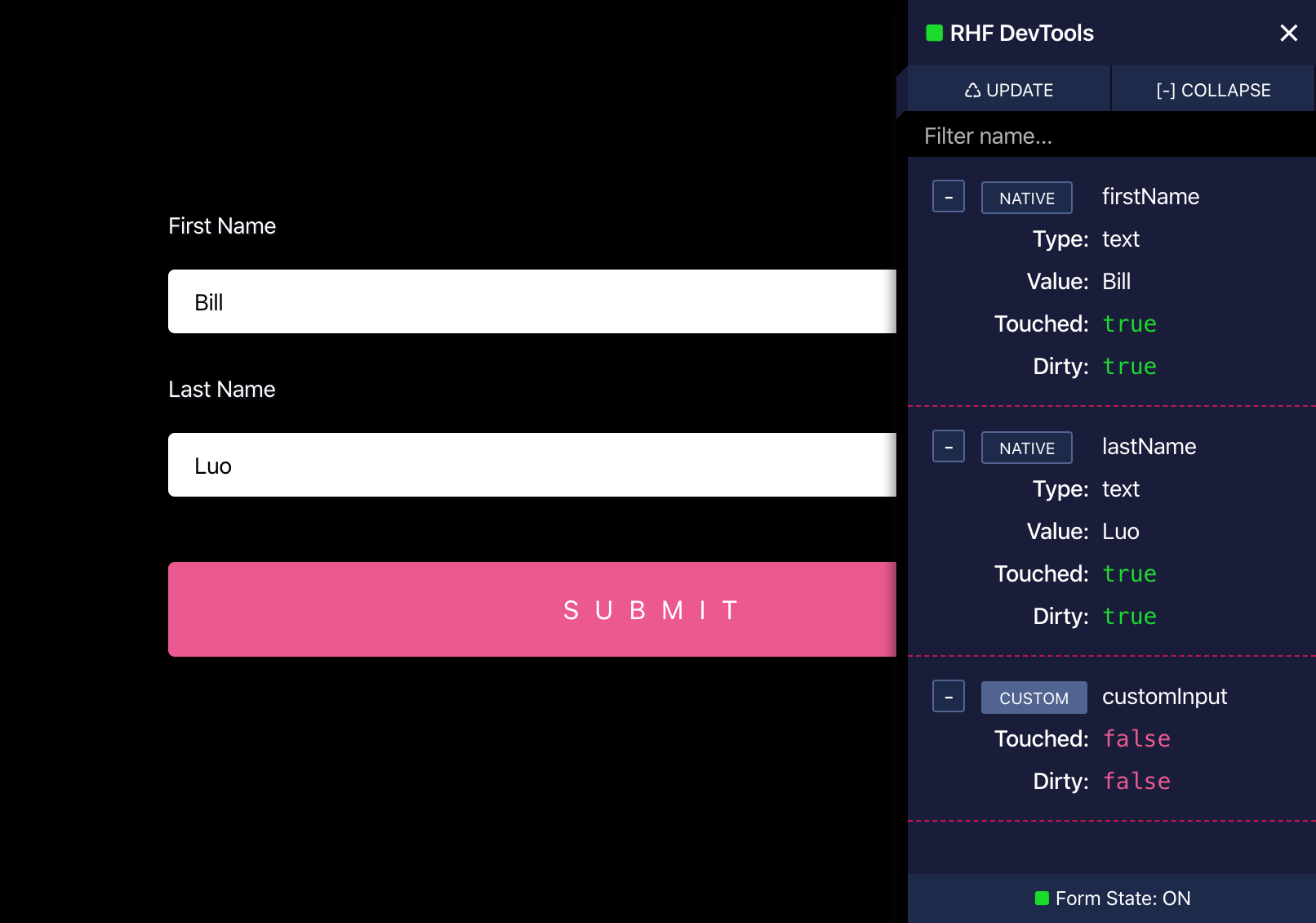
DevTool itself is a React component, so it drops straight into your app.
Debug with ease
Inspect every registered field and the whole form state while you build.
Open source
DevTools is an open-source project, so we can all improve the experience together.
Get started
Installation
- 1
Install the package
Add @hookform/devtools as a dev dependency.
Terminalnpm install -D @hookform/devtools - 2
Render it next to your form
Import the DevTool component and pass it the control from useForm.
App.jsximport { useForm } from "react-hook-form";import { DevTool } from "@hookform/devtools";export default () => {const { register, control, handleSubmit } = useForm({mode: "onChange",});return (<><form onSubmit={handleSubmit(d => console.log(d))}><h1>React Hook Form DevTools</h1><label>Test</label><input {...register("test")} /><input type="submit" /></form><DevTool control={control} /> {/* set up the dev tool */}</>);};
Try it
Live demo
Turn on the panel, then interact with the form to watch the state update.